How to make an order
Once you’re a fully signed up customer, ordering is as easy as 1, 2, 3.

Order Online
We make it easy to browse the product range and submit your order direct from your desktop – completed in minutes. You can access the order pages from the link below, but in future, just click order on our homepage or bookmark the login page for quick access.

Order via app
To make it even easier to order flexibly, download our app from the Apple or Android store. Just as you can on the website, you’ll be able to submit your order in moments from your phone or tablet, wherever you are. All you need is our authentication code (JRFAPP) and your customer login.

Order from a real person
Sometimes there’s no substitute for an actual conversation. Our customer service team take orders and answer questions over the phone 0830-2200 Mon-Fri and 0830-1500 Sat – or your local area manager is always on hand to do the same.
Order via WhatsApp
Ordering is quick and convenient with WhatsApp. Simply scan our QR code to sign up and start ordering in minutes. Once connected, you can send us your orders anytime, and our team will confirm availability and process them promptly. It’s a fast, direct way to stay in touch—saving you time while keeping your kitchen fully stocked.

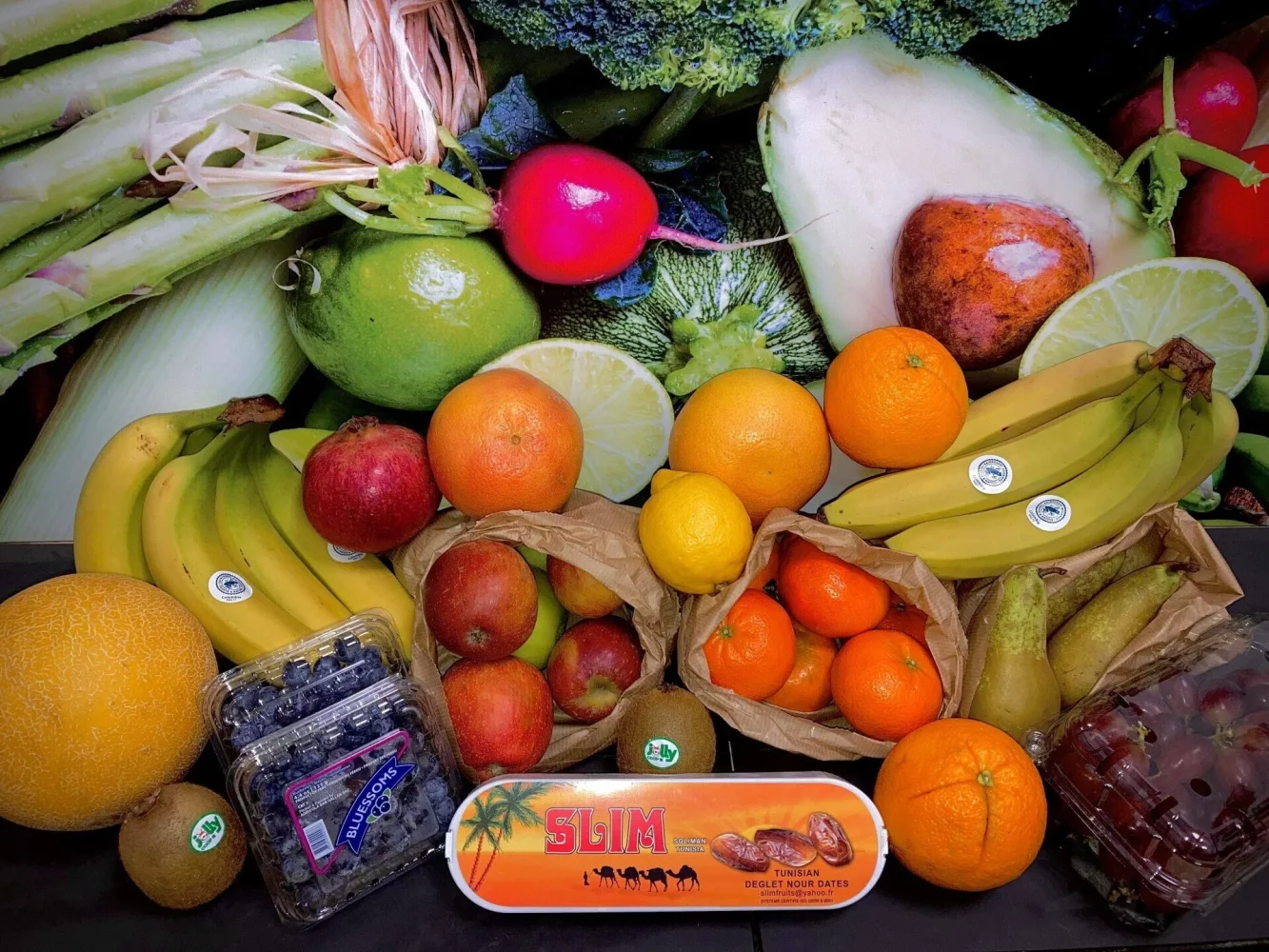
Five thousand products and counting…
We strive to bring you the range, quality and variety you need, so our product lines are extensive and growing. A third of our produce is Westcountry grown or made and your orders support farmers and small producers too.